
FLL Challenge Coaches Clinic FAQ
Thank you so much to Scott Chase, Brian Boehler, Sharita Ware, and Lori Langley for a wonderful FLL Challenge Coaches Clinic! Here is a link to the playlist, but we have embedded the videos below. https://www.youtube.com/playlist?list=PL9UFVOe2UANwJi8xutEhu13vS-56I2qp4
Lori Langley’s Session – Tips for Getting Started
Brian Boehler’s Session – CARGO CONNECT What’s New and What’s The Same
Scott Chase’s Session – Robot Design Presentation with Integrated Core Values
Sharita Ware’s Session – Innovation Project Presentation with Integrated Core Values
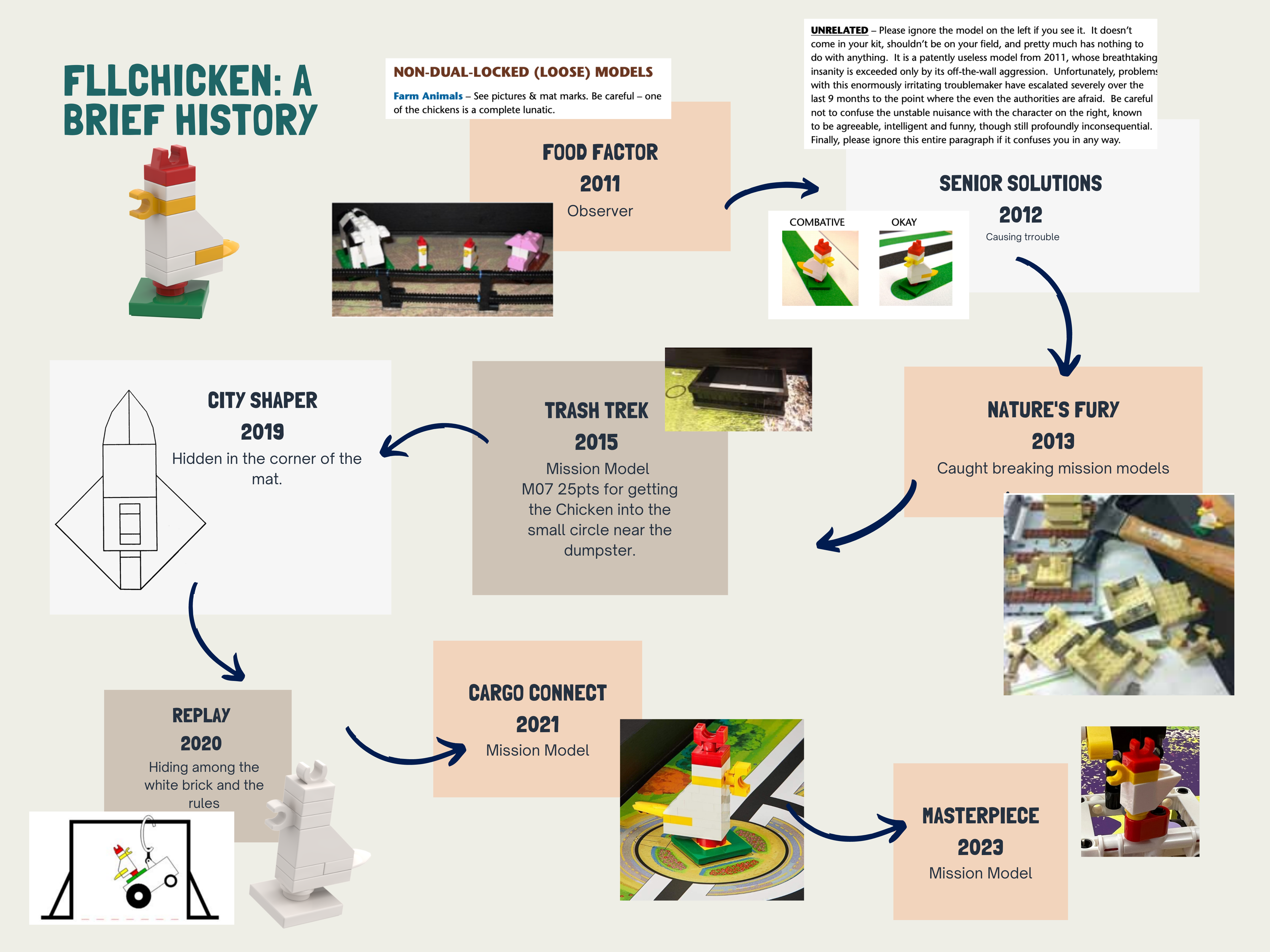
FLL Town Hall – https://youtu.be/YYauA-wmWEI I received an email regarding an app: “App Update! SPIKE™ Prime app update for FIRST® LEGO® League Challenge teams “. I couldn’t find the app in the App Store. How do I get this app? https://education.lego.com/en-us/downloads/spike-app/software The challenge, Updates, and Resources https://www.firstinspires.org/resource-library/fll/challenge/challenge-and-resources CARGO CONNECT Rubrics http://firstinspiresst01.blob.core.windows.net/first-forward/fll-challenge/fll-challenge-cargo-connect-rubrics-2021-22.pdf How do I update my EV 3? https://education.lego.com/en-us/downloads/mindstorms-ev3/software The Engineering Design Process https://www.youtube.com/watch?v=MAhpfFt_mWM Is there a way to get more of the engineering notebooks? They only ever send me 2 for each team. To access an interactive or static version of the engineering notebook in your dashboard, follow the instructions here https://info.firstinspires.org/hubfs/Education_Resources/thinkscape/FLLChallenge-Teams-Thinkscape-Access.pdf I’m assuming we use computers for coding. Is there a best recommendation for common computers or individual devices? While we won’t recommend a specific brand, your team will need at minimum a Chromebook-style computer for coding with SPIKE Prime. A full laptop isn’t necessary, but will certainly work. For FLL Challenge we don’t recommend tablet devices. Am I able to change my team’s name within my dashboard once I have registered them? This is my rookie year, and I gave my team a super dry name–I would like them to come up with their own, as Lori suggested. Thanks! Log into your dashboard – on the left-hand side, click on the button “team information” select “team profile” there, you will be able to change the name of your team. Digital version of the rules – https://firstinspiresst01.blob.core.windows.net/first-forward/fll-challenge/fll-challenge-cargo-connect-robot-game-rulebook.pdf Does that mean kids can push out the platooning trucks with their hands? No, anytime the directions say, “you should, or you need to,”…it means the robot. I’m having trouble locating the instructions to build the field models; is there a certain link? Thank you! https://www.firstlegoleague.org/season?__hstc=212927755.44ba8c911738a677f5489e6abcddf6de.1614006764206.1631275282482.1631367974245.238&__hssc=212927755.11.1631367974245&__hsfp=2725955895#resources Where do we see those updates? https://www.firstinspires.org/resource-library/fll/challenge/challenge-and-resources?utm_source=first-inspires&utm_medium=fll-game-season&utm_campaign=flc-registration-022 Click on the link “CARGO CONNECT: Challenge Updates.” FLL Tutorials https://flltutorials.com/en/ EV3 Lessons https://ev3lessons.com/en/ Prime Lessons https://primelessons.org/en/ Information about the FLL Chicken https://www.facebook.com/pages/category/Education-Website/FLL-Chicken-1522515451215689/ https://twitter.com/fllchicken https://flltutorials.com/translations/en-us/CoreValues/FLLChickenHistory.png https://www.firstinspires.org/resource-library If you need any FIRST logos, season logos, etc. ->https://www.firstinspires.org/brand Another great link to info about the Engineering Design Process: https://www.engineergirl.org/128119/engineering-design FIN Social Media www.facebook.com/firstinrobotics www.twitter.com/firstinrobotics www.Instagram.com/firstinrobotics FIN FLL Page https://www.firstindianarobotics.org/fll-challenge/ Youth Registration https://www.firstindianarobotics.org/wp-content/uploads/New-Parents-Registering-Students.pdf https://www.firstindianarobotics.org/wp-content/uploads/Youth-Registration-Returning-Parents-2021.pdf https://www.firstindianarobotics.org/wp-content/uploads/Youth-Registration-System-Overview-Coaches.pdf https://www.firstindianarobotics.org/wp-content/uploads/Youth-Registration-Mobile-Device-Instructions.pdf https://www.firstindianarobotics.org/wp-content/uploads/Youth-Registration-Overview-with-Q-and-A.pdf
Consent and Release – FIRST Indiana Robotics https://www.firstindianarobotics.org/fin-consent-form/ FLL Challenge Program Manager tthompson@firstindianarobotics.org FIN Covid Policy and Procedures https://www.firstindianarobotics.org/covid-policy/